

Store Admin
Your command center
Manage every aspect of your business from one dashboard — inventory, staff, analytics, and store settings — all in real-time.
Full admin walkthrough
Follow along as we show you how to set up your store, manage inventory, configure staff roles, and read your analytics dashboard.
Up and running in 4 steps
Create your store
Set up your business name, address, and branding in minutes.
Add your inventory
Upload products via CSV or add them manually with prices and stock levels.
Set up your team
Create staff accounts and assign roles with appropriate permissions.
Go live
Link your POS terminals, start selling, and track everything from the admin panel.
Admin Dashboard Screenshots
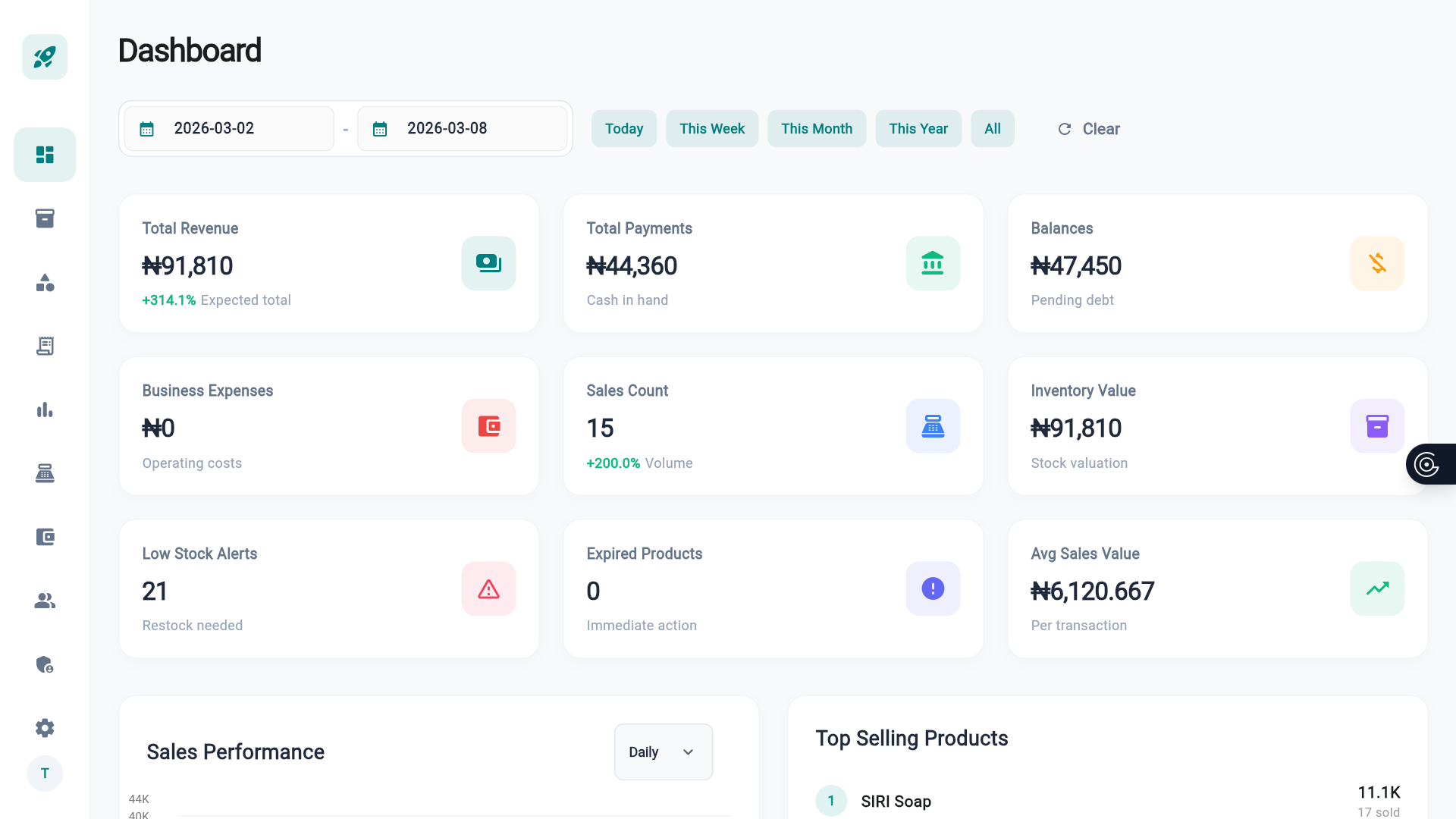
Sales Dashboard
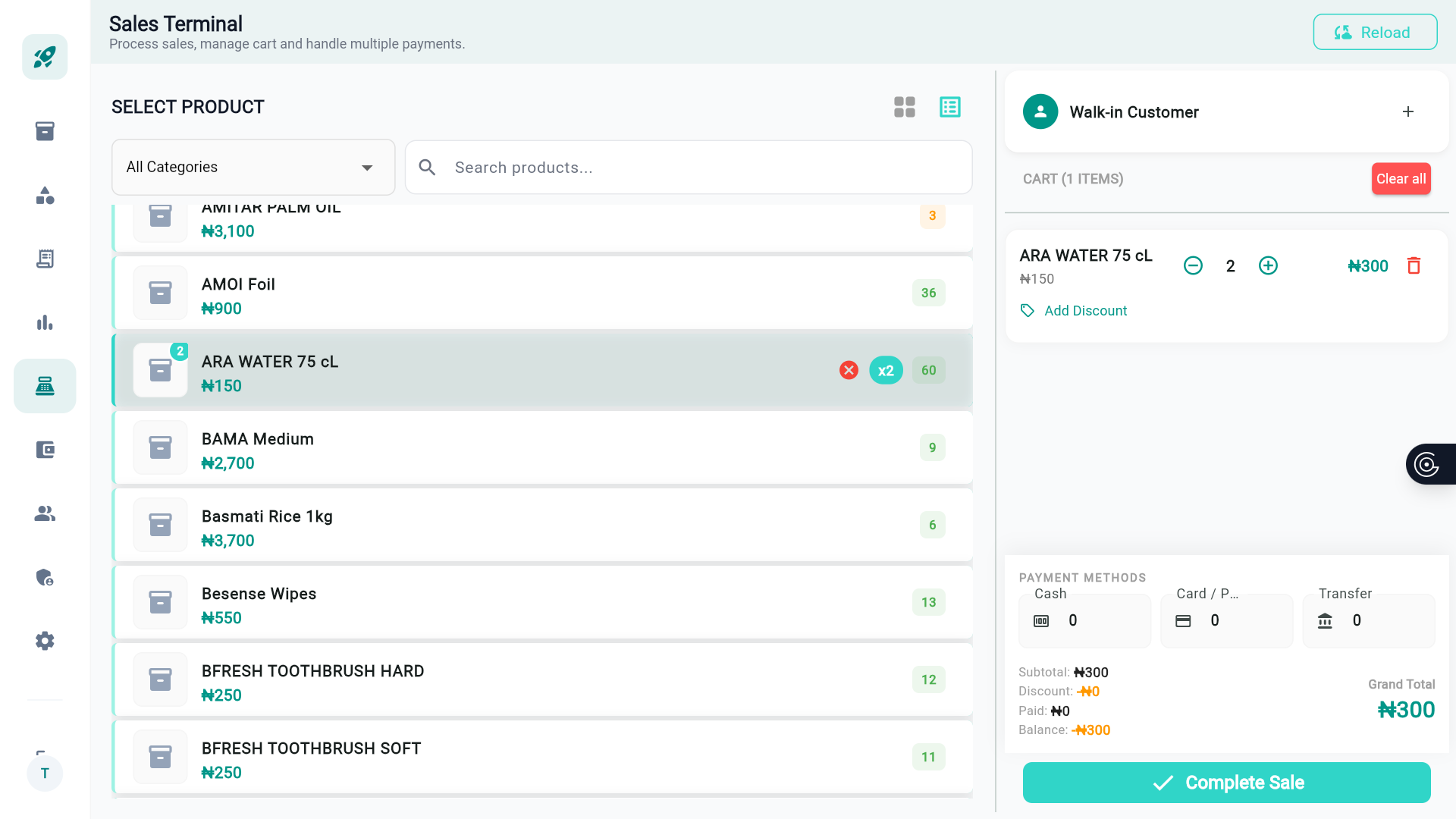
Inventory Manager
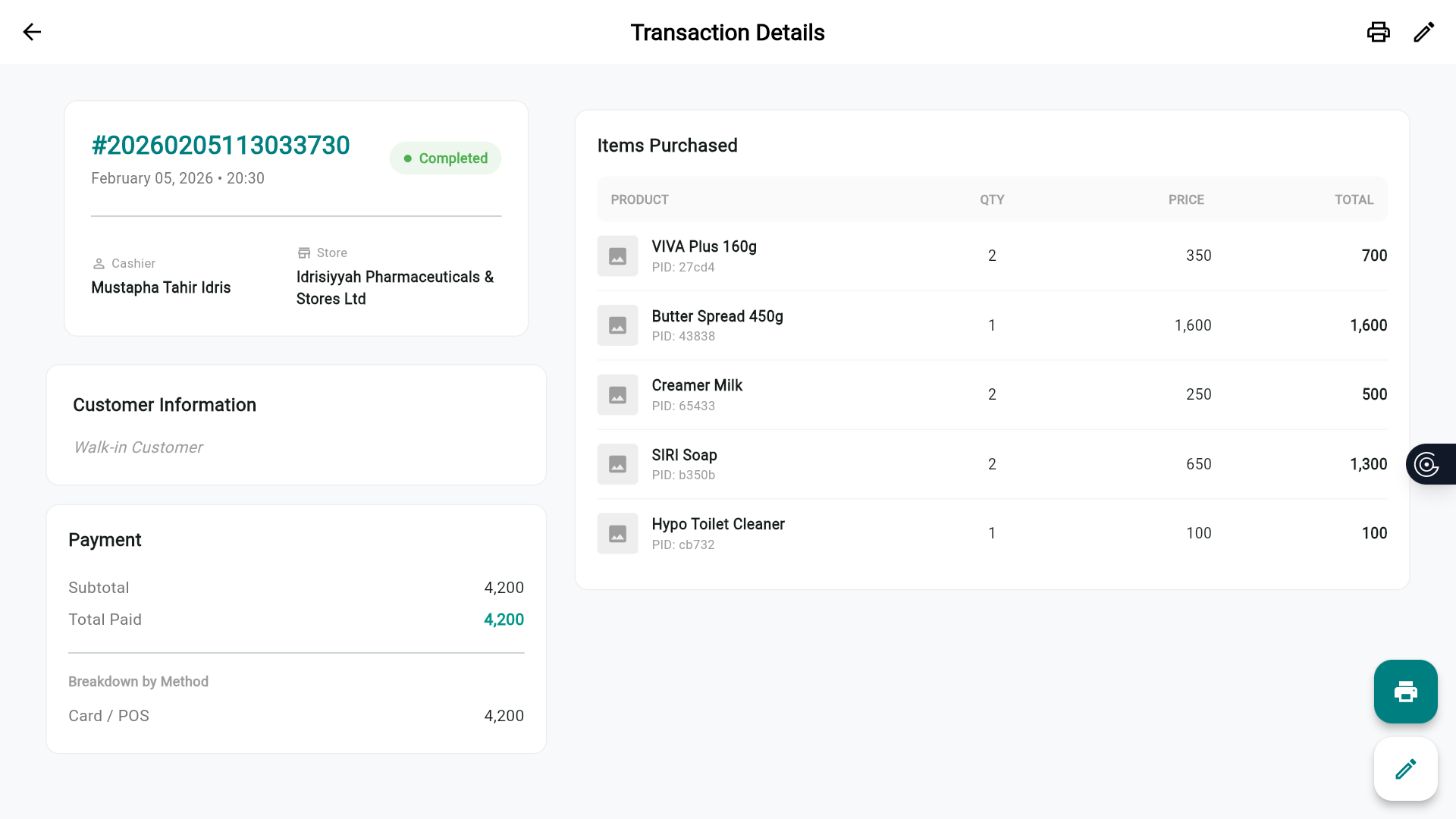
Staff Analytics
Everything you can manage
Inventory Management
Add products, update prices, manage categories, and set reorder points. Supports bulk imports via CSV.
Advanced Analytics
Comprehensive sales reports, profit margin tracking, best-seller lists, and custom date-range exports.
Staff Management
Create staff accounts, assign roles, monitor work hours, and track individual sales performance.
Sales Tracking
Real-time transaction feed, daily totals, and automatic shift reports for every cashier.
Smart Alerts
Low-stock notifications, expiry warnings, and daily sales summary delivered to your phone.
Store Configuration
Set tax rates, customize receipts, configure hardware, and manage multiple store locations.