
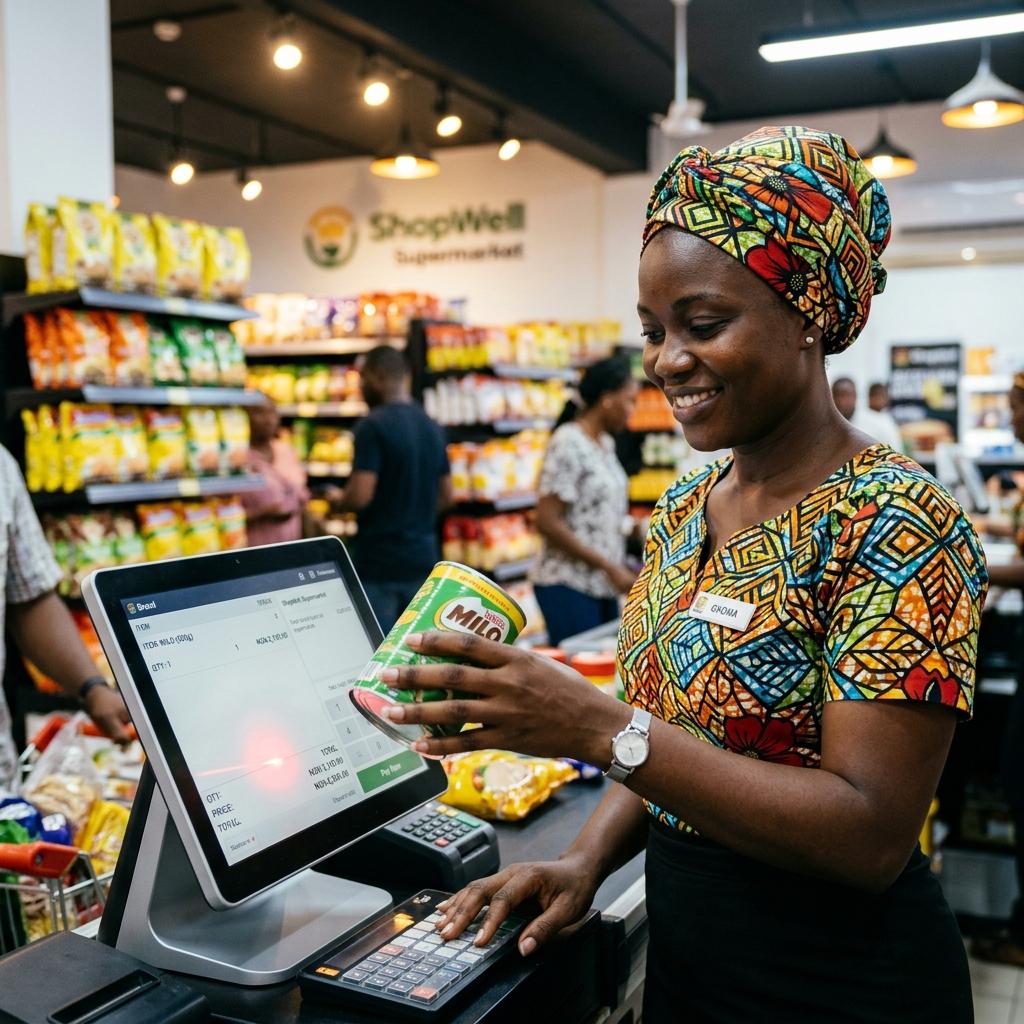
POS Terminal
The fastest checkout experience
Designed to handle thousands of transactions daily without slowing down. Fast, reliable, and painless for your cashiers.
See it in action
Watch this 3-minute walkthrough on how XPIRAX POS handles a complete sale — from item scan to receipt print.
Three steps to a completed sale
Scan or Search
Add items to the cart instantly by scanning barcodes or typing a product name. Smart autocomplete finds items in milliseconds.
Select Payment Method
Accept cash, card, bank transfer, or mobile money. The system calculates change and logs the payment type automatically.
Generate Receipt
Print a branded receipt immediately, or send a digital copy via SMS or email — keeping your customer records clean.
Interface Screenshots
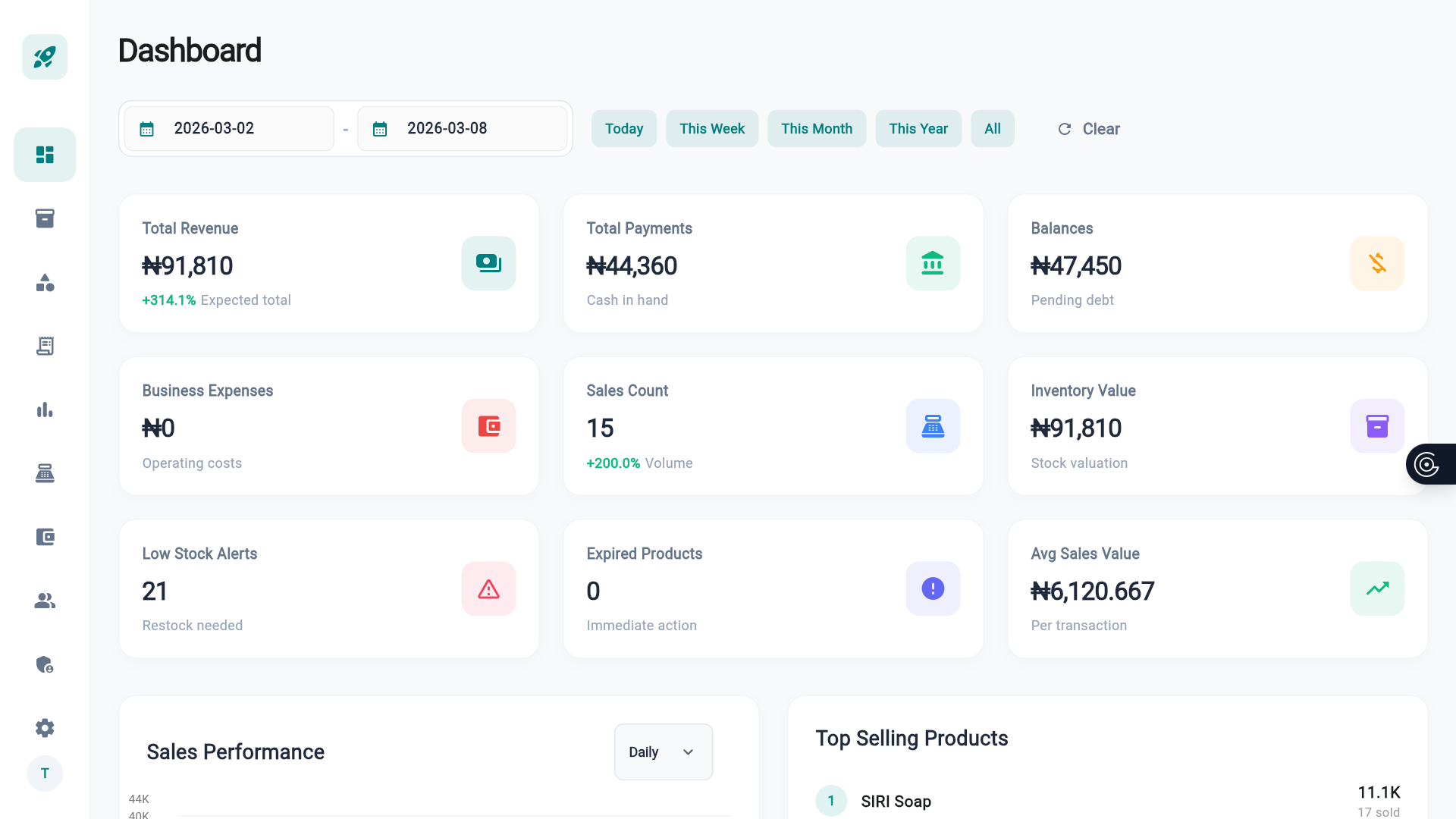
Checkout Screen
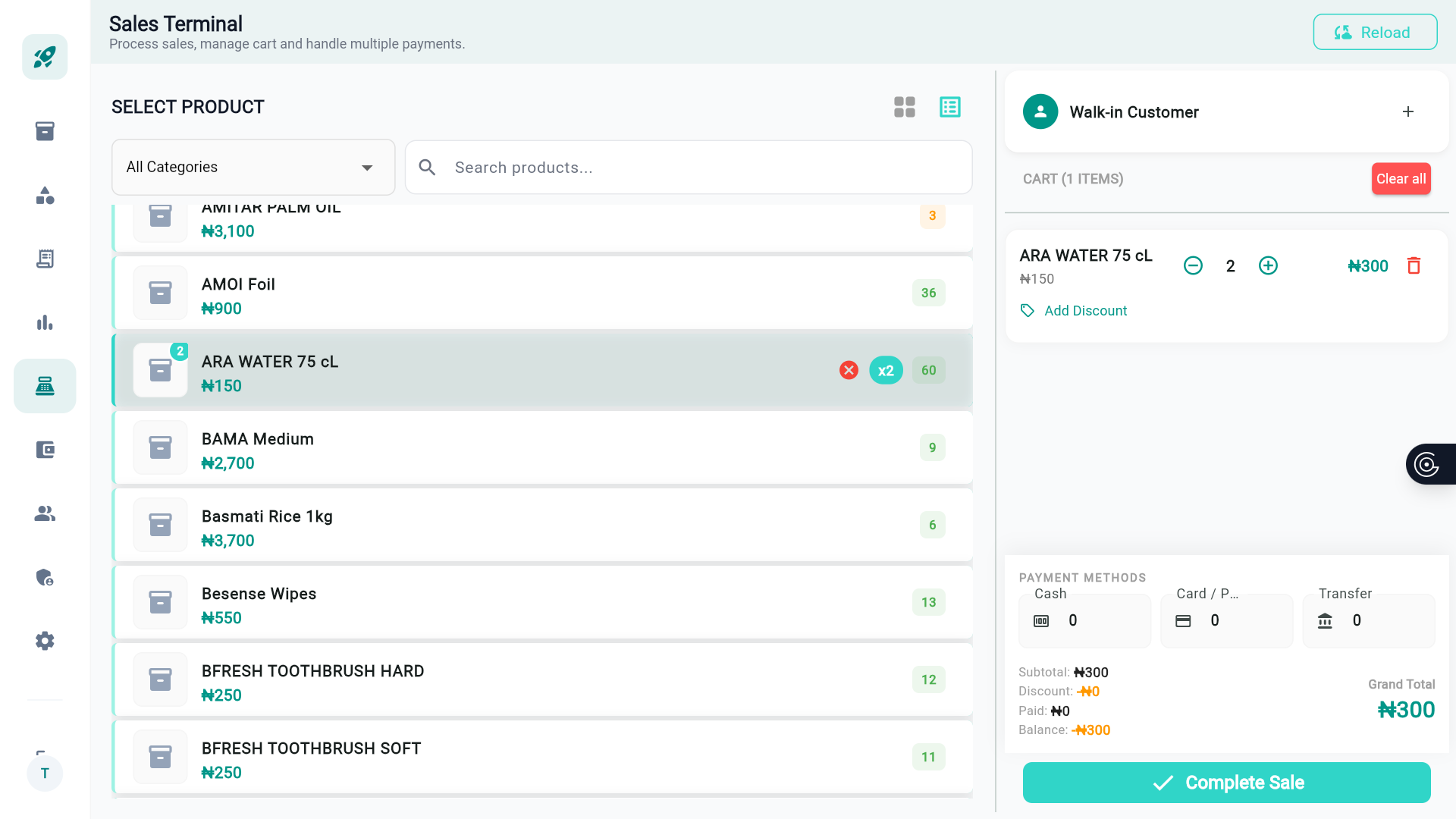
Payment Modal
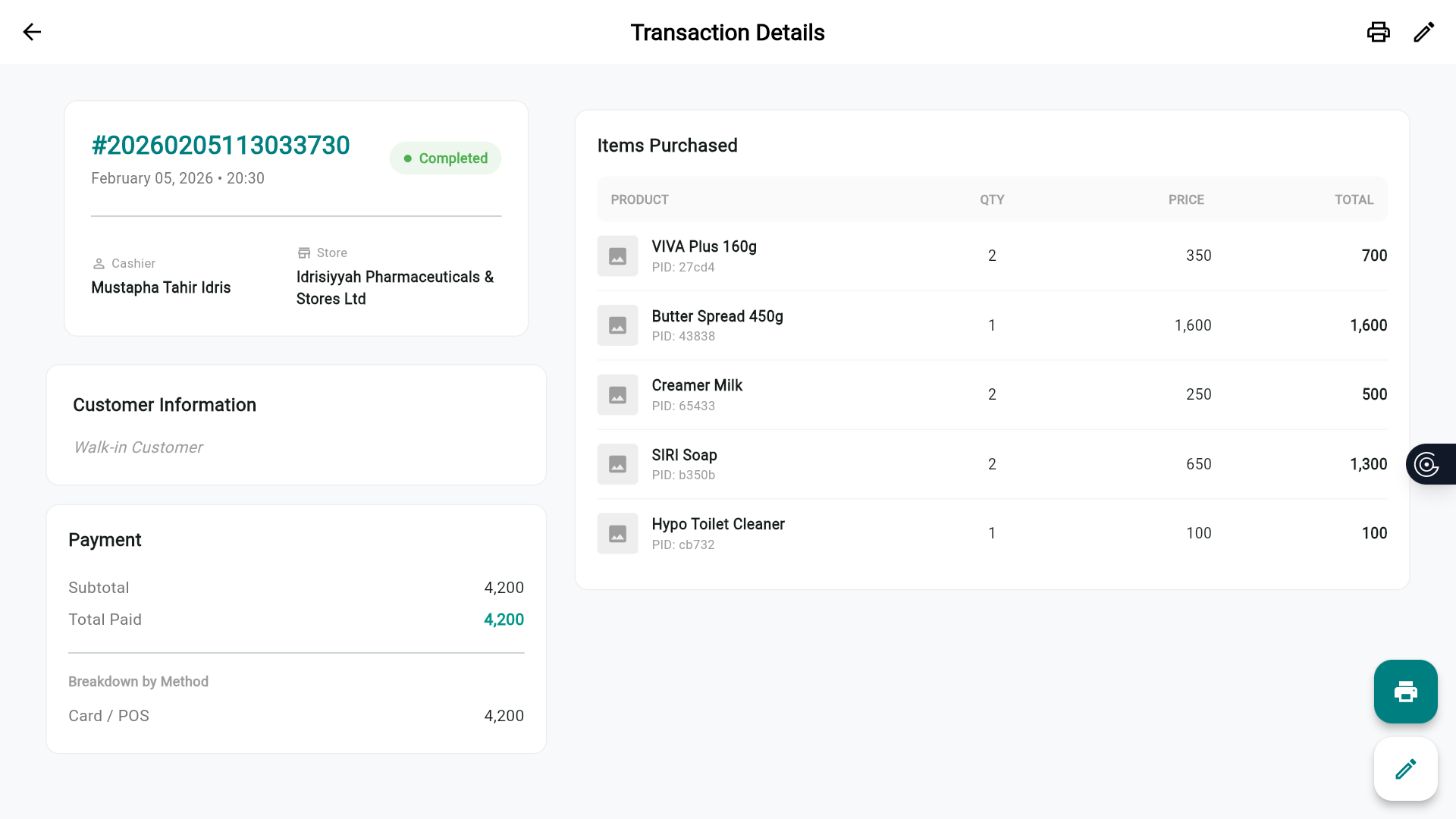
Receipt Preview
Built for speed and efficiency
Transaction History
Full audit trail for every sale, return, and discount.
Keyboard Shortcuts
Power users can ring up items without touching the mouse.
Works on Any Device
Android tablets, Windows desktops, iPads — one app.
Offline Capable
Keep selling even when internet drops. Syncs when back online.
Instant Cloud Sync
Transactions sync to the cloud the moment connection restores.
Branded Receipts
Customize receipts with your logo, name, and contact info.